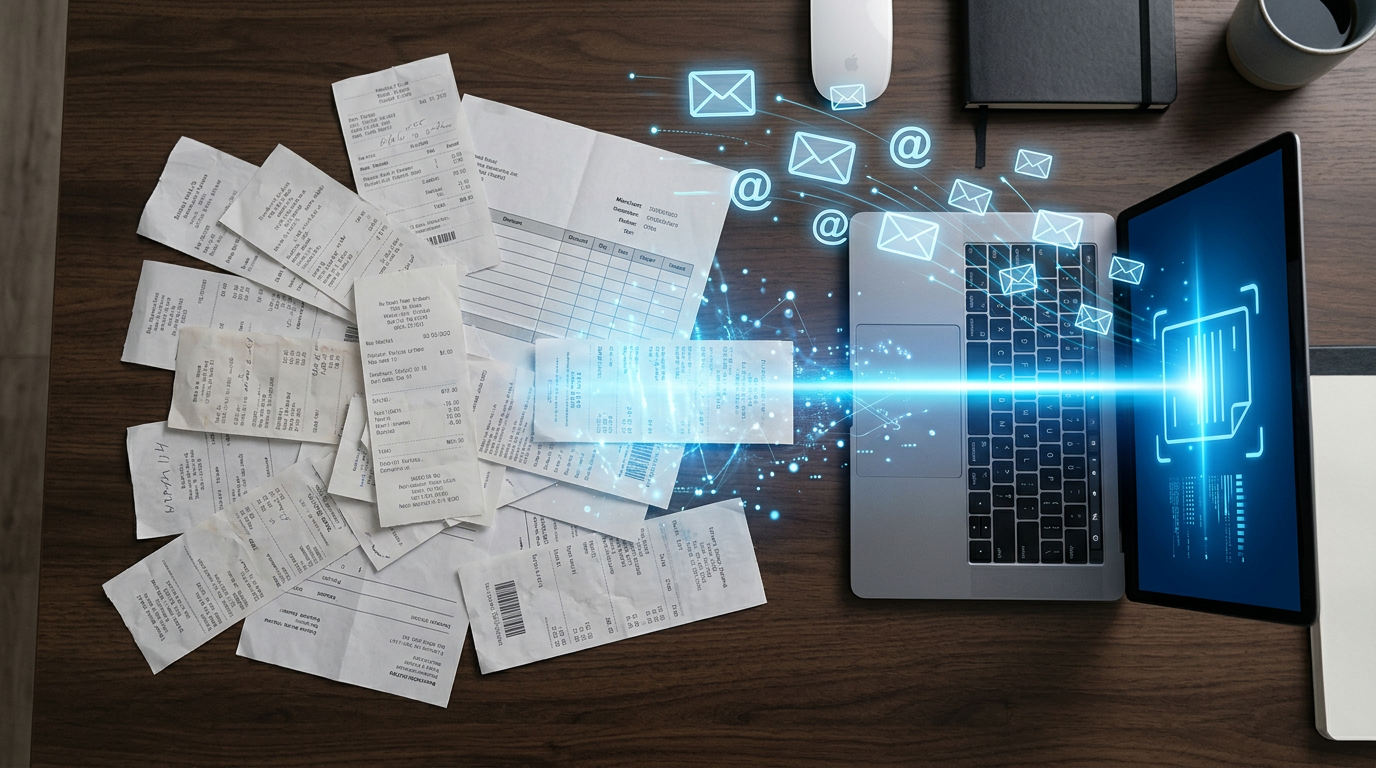

ทุกเย็น: เปิด Email 3 inbox, Copy ลง Excel
ร้านอาหารที่ขาย delivery มักเจอ routine เดียวกัน:
ปิดร้านเที่ยงคืน → เปิด email → GrabFood ส่ง PDF มา → LINE MAN ส่ง CSV มา → POS ส่ง HTML มา → เปิดทีละไฟล์ → ดูยอด → copy ลง Excel → รวมยอด → นอน
ใช้เวลา 2-3 ชั่วโมงทุกวัน เพื่อดูตัวเลขที่ควรรู้ได้ทันที
ผมทำแบบนี้มาหลายเดือนก่อนจะตัดสินใจว่า: ถ้า routine ซ้ำกันทุกวัน มันต้อง automate ได้
Pipeline ที่สร้างขึ้น
📧 GrabFood email → PDF attachment → AI parse → SQLite
📧 LINE MAN email → CSV attachment → AI parse → SQLite
📧 POS email     → HTML body     → AI parse → SQLite
                                               ↓
                                    📊 Dashboard real-time
ทั้งหมดนี้เกิดขึ้นอัตโนมัติ ไม่มีคนแตะ
ขั้นตอนที่ 1: Gmail IMAP Connection
import imaplib, email

mail = imaplib.IMAP4_SSL('imap.gmail.com')
mail.login(GMAIL_USER, GMAIL_APP_PASSWORD)
mail.select('inbox')

_, message_ids = mail.search(None, 'FROM "no-reply@grab.com" UNSEEN')
ข้อควรระวัง
ต้องใช้ App Password ไม่ใช่ password ปกติ — ไปที่ Google Account → Security → 2-Step Verification → App Passwords → สร้างใหม่สำหรับ "Mail"
ขั้นตอนที่ 2: Parse แต่ละ Format
GrabFood — PDF
import pdfplumber, re

def parse_grabfood_pdf(pdf_path):
    with pdfplumber.open(pdf_path) as pdf:
        text = pdf.pages[0].extract_text()
    net_sales = re.search(r'Net Sales\s+THB\s+([\d,]+\.?\d*)', text)
    return {
        'channel': 'grabfood',
        'net_sales': float(net_sales.group(1).replace(',', ''))
    }
ส่วนที่ยากสุดคือ PDF format ของ GrabFood เปลี่ยนบ่อย ต้องอัพเดท regex ทุก quarter
LINE MAN — CSV
import pandas as pd

def parse_lineman_csv(csv_path):
    df = pd.read_csv(csv_path, encoding='utf-8-sig')
    return {
        'channel': 'lineman',
        'net_sales': df['Net Amount'].sum(),
        'total_orders': len(df)
    }
POS — HTML Email Body
from bs4 import BeautifulSoup

def parse_pos_html(html_content):
    soup = BeautifulSoup(html_content, 'html.parser')
    tables = soup.find_all('table')
    for table in tables:
        if 'Total Sales' in table.get_text():
            # extract total from table cells
            ...
ทำไม POS ถึงยากกว่า
GrabFood และ LINE MAN ส่ง attachment มา แต่ POS ส่งข้อมูลใน HTML body ของ email เอง ต้องดึงจาก email body แล้ว parse HTML — ซับซ้อนกว่า 2 ระดับ
ขั้นตอนที่ 3: เก็บลง SQLite
import sqlite3

cursor.execute('''
    INSERT OR REPLACE INTO daily_sales
    (date, channel, net_sales, total_orders, created_at)
    VALUES (?, ?, ?, ?, ?)
''', (data['date'], data['channel'], data['net_sales'],
      data.get('total_orders', 0), datetime.now().isoformat()))
ตัวเลขจริง
| ตัวชี้วัด | ก่อน | หลัง |
|---|---|---|
| เวลา data entry | 2-3 ชม./วัน | 0 นาที |
| Records ต่อวัน | ~7-10 (manual) | ~22 (ครบทุก channel) |
| Error rate | สูง (manual copy) | ต่ำมาก (AI parse) |
| รู้ยอดขายได้เมื่อ | เช้าวันถัดไป | 30 นาทีหลังปิดร้าน |
สิ่งที่ยากที่สุด
ไม่ใช่ code — สิ่งที่ยากคือ format ของแต่ละ platform เปลี่ยนโดยไม่แจ้งล่วงหน้า
วิธีรับมือ: เพิ่ม validation step — ถ้า parse ได้ค่า 0 หรือ NULL → ส่ง alert ทันที
ทำเองได้มั้ย?
ได้ครับ ถ้ามี:
- Gmail + App Password — ตั้งค่า 10 นาที
- Python 3.8+ — pdfplumber, pandas, beautifulsoup4
- SQLite — มากับ Python ไม่ต้องติดตั้งเพิ่ม
- Server หรือ Mac ที่เปิดตลอด — สำหรับ run script อัตโนมัติ
เริ่มจาก 1 channel ก่อน (LINE MAN CSV ง่ายสุด) แล้วค่อยเพิ่ม
Key Takeaway
ถ้า routine ซ้ำกันทุกวัน ใช้เวลาเกิน 30 นาที และมีข้อมูลมาจาก email — 90% chance ว่า automate ได้ แค่ต้องใช้เวลา 1-2 วันสร้างระบบครั้งแรก