

The Problem: Generating 20-30 Images a Day, QA-ing Zero
Our content pipeline generates a lot of AI images — single images, carousel backgrounds, manga scenes, video covers. Easily 20-30 per day.
But for the past two months, nobody ever "checked" a single one.
The result:
- Cover images with text outside the safe zone — cropped on feed
- Images too dark — text overlay unreadable
- Text on images half-blocked by other elements
- Manga scenes beautifully drawn but poor composition for vertical scroll
- Colors that don't match DopeLab's brand identity
Everything looked fine at generation time. But the moment we posted and opened it on mobile — problems everywhere.
The issue is that "human eyes" reviewing each image doesn't scale.
The Solution: Let AI Check AI with Gemini Vision
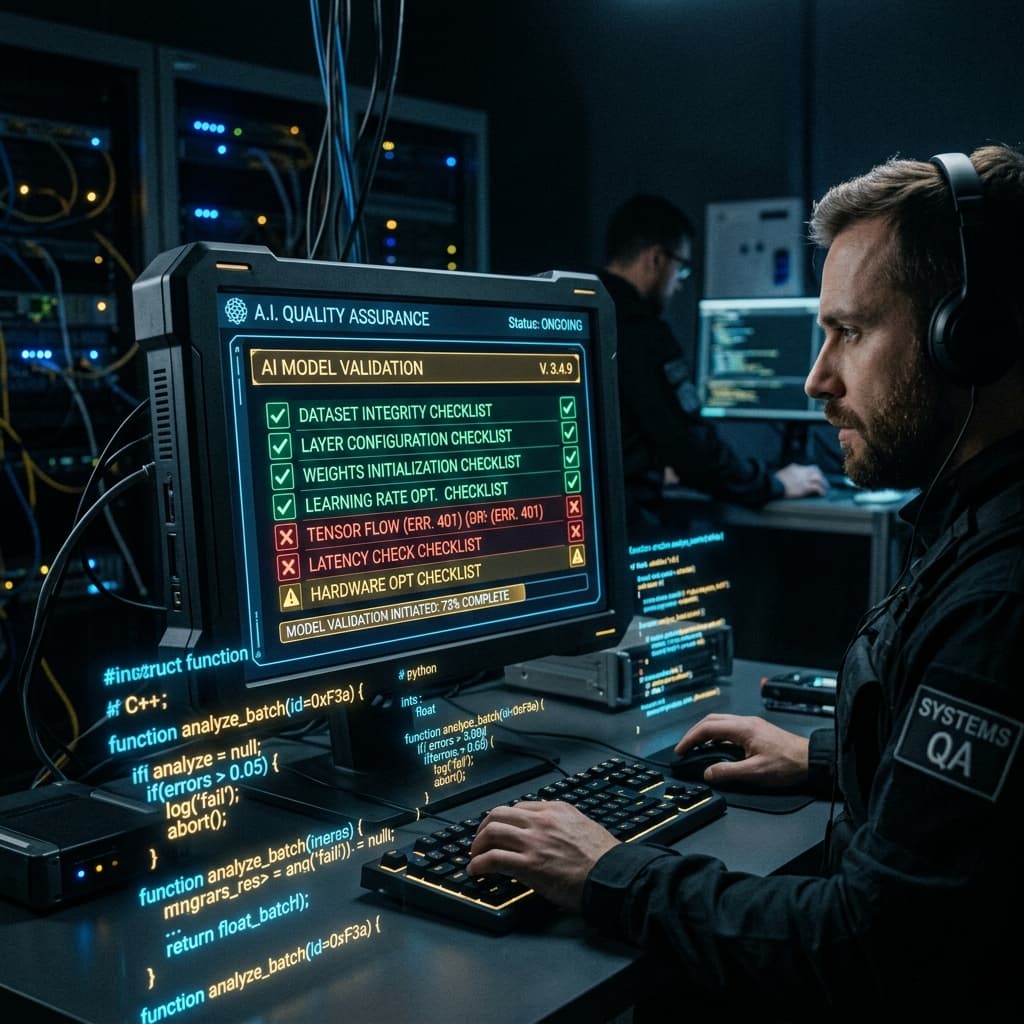
The concept is dead simple: if AI can generate images, AI should be able to check them too.
We built vision-eval.py — a Python script that sends images to the Gemini Vision API for quality analysis against defined criteria, returning scores.
Why Gemini?
- Excellent Vision API — Gemini 2.0 Flash understands composition, text readability, and visual hierarchy better than GPT-4V for social media evaluation
- Cheap — Flash model pricing is very low. Evaluating 30 images a day costs pennies
- Fast — Responses come back in 2-3 seconds per image
8 Scoring Criteria (Social Preset)
We designed 8 criteria specifically for social media content. Each criterion is scored out of 10, totaling 80:
| # | Criteria | What It Measures | Weight |
|---|---|---|---|
| 1 | Scroll-Stopping | Does it stop the thumb scroll? Bold colors? Compelling composition? | /10 |
| 2 | Visual Hierarchy | Clear focal point? Where does the eye go first? | /10 |
| 3 | Text Readability | Can you read text on the image? Enough contrast? Font size OK? | /10 |
| 4 | Mobile-Friendly | Does it look good on small screens? No tiny elements? | /10 |
| 5 | Brand Consistency | Do colors, fonts, and style match brand identity? | /10 |
| 6 | Emotional Impact | What emotion does it trigger? Strong enough? | /10 |
| 7 | CTA Clarity | Is the CTA clear and visible? | /10 |
| 8 | Composition | Rule of thirds? White space? Balance? | /10 |
Total score is 80 — minimum passing score is 50/80.
3 Presets for Different Use Cases
Not every image should be judged by the same criteria. We built 3 presets:
Preset 1: --eval social (Default)
The 8 criteria above, scored /80. Best for single images, carousels, and ads.
python vision-eval.py image.png --eval socialPreset 2: --eval thumbnail
12 Yes/No criteria following the Karpathy Pattern — no scores, just PASS/FAIL. Designed for video thumbnails that need to drive clicks.
python vision-eval.py thumbnail.png --eval thumbnail12 Yes/No criteria include:
- Does it contain a face/person?
- Is text readable at small size?
- Does it have high contrast?
- Is it free from clutter?
- ... and 8 more checks
Preset 3: --eval artwork
8 criteria scored /80 like social, but calibrated for manga/illustration — emphasizing artistic quality, character design, and scene composition over marketing effectiveness.
python vision-eval.py manga-scene.png --eval artwork--compare: Pit Two Images Against Each Other
Sometimes we generate 2-3 versions of the same image and can't decide which is better.
python vision-eval.py imageA.png --compare imageB.pngGemini analyzes both images, scores them independently, picks a winner, and explains why:
═══ Vision Eval: Compare Mode ═══

Image A: cover-v1.png
  Score: 62/80
  Weaknesses: text readability (6/10), brand consistency (5/10)

Image B: cover-v2.png
  Score: 71/80
  Strengths: scroll-stopping (9/10), composition (9/10)

Winner: Image B (+9 points)
  Reason: Higher contrast text, better visual hierarchy,
  stronger brand color usage
No need to ask a human anymore — AI decides. (Though when scores are close, we still eyeball it.)
Real Results: Cover DL-109 FAIL → Re-gen 3 Times → PASS
A real case from yesterday:
Round 1: Generated cover for DL-109 → vision-eval scored 43/80 (FAIL)
- Text readability: 4/10 — text blending into background
- Mobile-friendly: 5/10 — elements too small
Round 2: Re-generated with better contrast + larger text → 51/80 (PASS... but borderline)
- Scroll-stopping: 5/10 — still not compelling enough
Round 3: Complete re-gen with new composition → 69/80 (PASS!)
- Every criterion >= 7/10
Without vision-eval, we would have posted the round 1 image and wondered why engagement was low.
Aggregate Results Across the Pipeline:
| Type | Images | Average Score | Status |
|---|---|---|---|
| Single images | 12 | 67/80 | All passed |
| Manga scenes | 48 | 28/30 | All passed |
| Covers | 8 | 63/80 | 3 re-generated |
| Thumbnails | 8 | 11/12 PASS | 1 re-generated |
The Validation Loop: gen → eval → fail → re-gen → pass
The key isn't just "checking" — it's the feedback loop back to regeneration:
generate image
    ↓
vision-eval (score it)
    ↓
score >= 50/80? ──── YES → good to go → continue
    ↓ NO
analyze weaknesses
    ↓
re-generate (fix weak points)
    ↓
vision-eval again
    ↓
(loop until pass — max 3 attempts)
If 3 attempts still fail → flag for human review, because the issue might be beyond what prompt/model tuning can fix.
Under the Hood: The Prompt Sent to Gemini
Nothing complicated — just a structured prompt telling Gemini to analyze against the criteria:
prompt = f"""
Analyze this social media image for quality.
Score each criterion 1-10:

1. Scroll-Stopping Power
2. Visual Hierarchy
3. Text Readability
4. Mobile-Friendly
5. Brand Consistency
6. Emotional Impact
7. CTA Clarity
8. Composition

Return JSON: {{"scores": [...], "total": N, "weaknesses": [...], "suggestion": "..."}}
"""

response = model.generate_content([prompt, image])
Send the image as bytes alongside the prompt → Gemini responds with JSON → parse and display.
Things to watch out for:
- Must use structured output — without specifying format, Gemini returns long prose that's impossible to parse
- Must calibrate — first time we used it, Gemini scored everything 70+. Had to add "be strict, 8+ means exceptional" to the prompt
- Must cache the prompt — sending 30 images with the same prompt wastes tokens unnecessarily
Vision Eval Inside the Validation Harness
Vision-eval doesn't work alone — it's 1 of 32 checks inside content-harness.py:
Phase 7: Quality Gates
  ✅ Vision eval: single image 67/80 (>= 50)
  ✅ Cover passes safe zone analysis
  ✅ Manga scenes avg 28/30 (>= 25)
If vision-eval fails → harness fails → content cannot be marked as "done."
This is AI checking AI in a form that actually works in production — not just a concept.
Key Takeaways
| Before | After |
|---|---|
| Generate and post immediately | Generate → eval → pass → then post |
| Don't know there's a problem until low engagement | Know problems instantly before posting |
| Pick images by eye (biased + tiring) | Compare with --compare (objective) |
| 1 version per image | 1-3 versions → pick the best |
Remember:
- Generating images is easy. Checking them matters more.
- Gemini Vision is cheap and fast enough to check every image, every day
- 8 criteria /80 — 50 is minimum pass, we aim for 65+
- The validation loop (gen → eval → re-gen) is the pattern that actually improves quality
- If AI can generate it, AI should be able to check it — don't rely only on human eyes