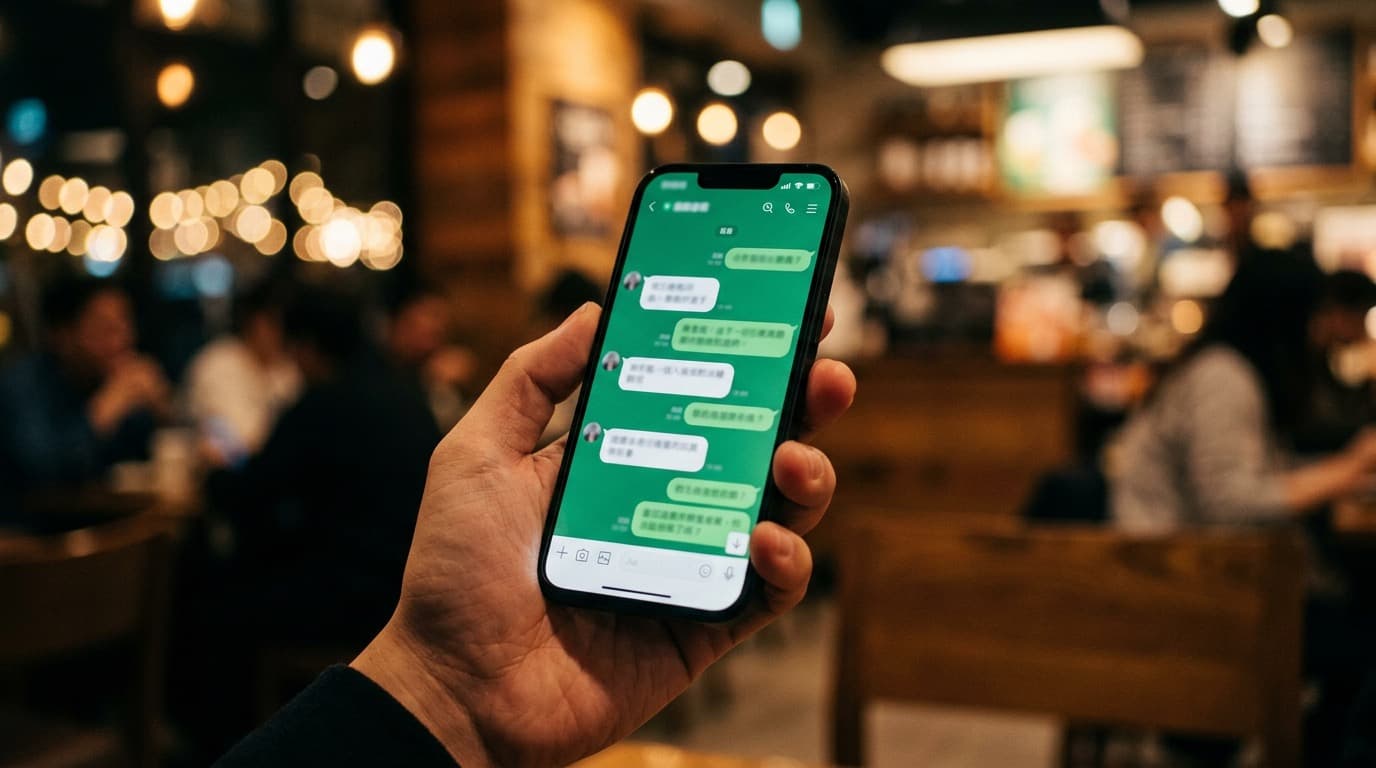


3 PM — The Brief Lands in Your Inbox
"Can I see a proposal by tomorrow morning?"
In the old days, that meant an all-nighter. Open Figma, build the deck slide by slide, figure out the scope, second-guess the pricing, forget something, fix it, re-fix it — and finally export the file at 2 AM.
Now I finish in 30 minutes.
Tools I Actually Use
Primary tool:
- Claude Code (claude.ai/code) — creates the entire proposal: content and deck
Alternatives:
- ChatGPT + Canva — free option. Use ChatGPT for the writing, copy it into a Canva template
- Gamma.app — AI generates a beautiful deck for you, no design skills needed (free tier available)
- Beautiful.ai — professional templates with AI layout suggestions (paid)
Any of the prompts below work with ChatGPT or Gemini — the workflow is identical.
The Real Problem With Proposals
A good proposal isn't just "looks nice" — it needs to answer every question the client has:
- What does the client actually need (not just what they said)?
- How wide is the scope — what's included, what's not?
- Is the price justified by the value delivered?
- Is the timeline realistic?
When you're working solo, you have to think through all of this from scratch — and at 3 PM, you're already short on time.
My Process: AI as a Co-Writer
Step 1: Digest the Brief (5 minutes)
Copy the client's brief, paste the whole thing to AI, and use this prompt:
Read this brief and summarize:
1. What the client actually needs (including unspoken needs)
2. Their core pain point
3. How they'll measure success
4. Assumptions or risks that need to be clarified before starting

[paste brief here]
AI pulls out the key points — sometimes surfacing insights you'd miss reading it yourself.
Step 2: Scope + Deliverables (10 minutes)
From the brief summary, continue in the same conversation:
Based on this brief, help me scope the work:
- Break it into clear phases (e.g., Phase 1: Discovery, Phase 2: Design, Phase 3: Delivery)
- List deliverables for each phase
- Note assumptions that need client confirmation before starting
- Specify what's NOT included (out of scope) to prevent scope creep
You get a clear work structure — adjust it based on your real-world experience and you're set.
Step 3: Estimate Pricing and Timeline (5 minutes)
Estimate the timeline and man-hours for each deliverable:
- Team: 1 designer, 1 project manager
- Format: table with phase | deliverable | working days | notes
- Include dependencies between phases (which phase needs approval before the next starts)
You get a draft timeline table — adjust the rates to reflect real market pricing and the margins you need.
Step 4: Write the Proposal Document (10 minutes)
Write a proposal based on everything we've discussed in this conversation.

Structure:
1. Executive Summary (2-3 sentences — the client should feel you understand their problem)
2. Understanding of Needs
3. Scope of Work (organized by the phases above)
4. Timeline (table format)
5. Investment (placeholder pricing — I'll fill in the final numbers)
6. Next Steps (clear: what the client needs to do next)

Tone: professional but not stiff. Easy to read. Avoid jargon unless necessary.
Step 5: Export as a Deck (optional)
If you need a presentation-ready deck, two options:
Option A — In Claude Code: Type /pptx and ask for a PowerPoint from this proposal. You get a downloadable .pptx file.
Option B — Gamma.app: Paste the proposal content into Gamma and hit Generate Presentation. One click, beautiful deck.
What You Still Have to Do Yourself
I'm not saying AI handles 100% of the proposal — there are parts that need real judgment:
- Pricing — AI can estimate, but you know what margins you need
- Client relationship — formal or casual tone depends on your history with them
- Things you know but aren't in the brief — experience you've built up that no document captures
AI is your co-writer, not your ghostwriter.
What Actually Happened
The proposal I built this way was sent that evening. The client replied the next morning:
"Very clear — the scope matches exactly what we had in mind."
Which is exactly what a good proposal should do — not just look polished, but make the client feel "this person gets it."
The Breakdown: 30 Minutes Is Not an Exaggeration
| Step | Time | Tool |
|---|---|---|
| Digest brief + find insights | 5 min | Claude / ChatGPT |
| Scope + deliverables | 10 min | Claude / ChatGPT |
| Estimate timeline + pricing | 5 min | Claude / ChatGPT |
| Write + format | 10 min | Claude / ChatGPT |
| Export deck (if needed) | +5 min | /pptx or Gamma.app |
| Total | 30-35 min |
Speed doesn't mean lower quality — it means you spend less time on work AI can handle, and have more time left for the work that needs you.
Client sends a brief at any hour? You can have a proposal ready within the hour.