
The Repetitive Questions That Eat Up Every Day
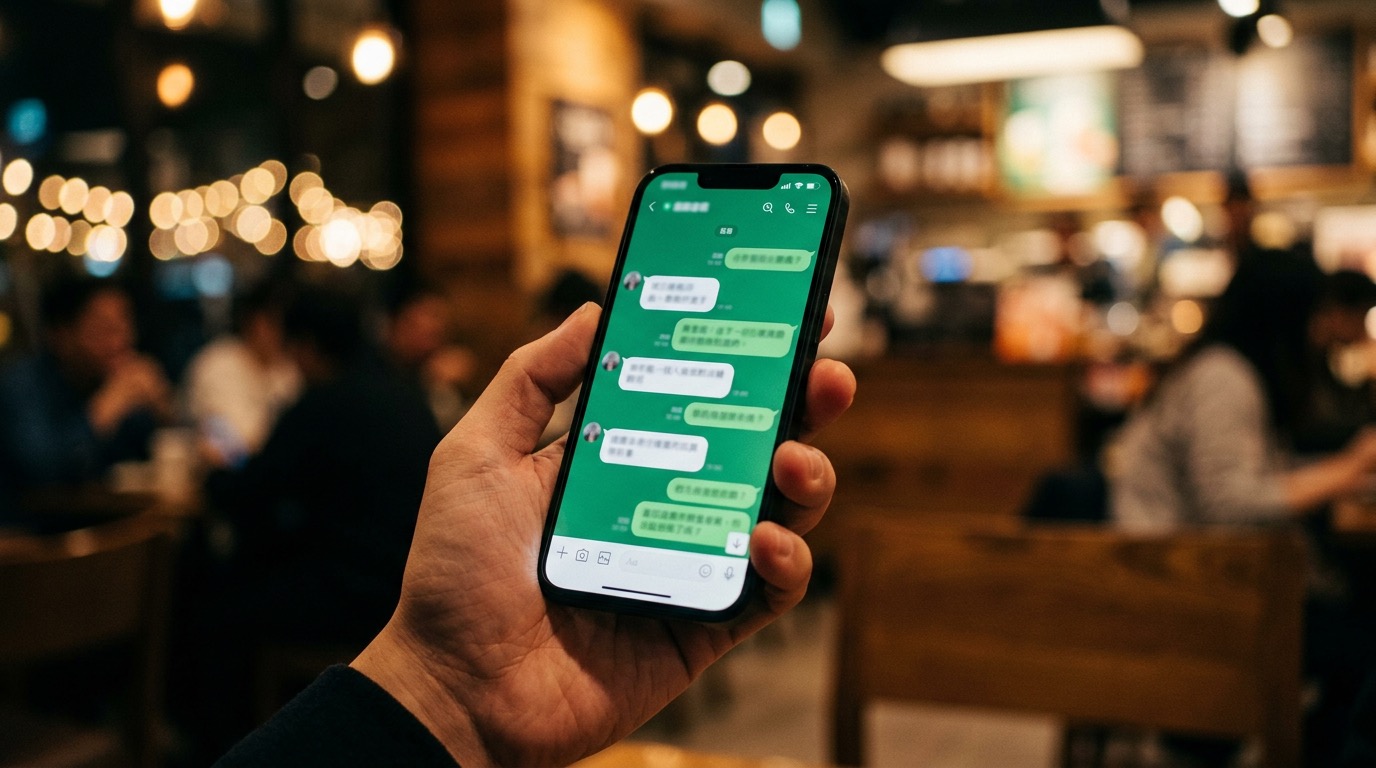
Our shop has a LINE OA for customer inquiries.
On any given day, the questions look like this:
- "What time do you open?"
- "Is there parking?"
- "Can I reserve a table for 8?"
- "How much are the set menus?"
- "Where can I order delivery?"
The answers already exist. But staff have to type them out, over and over, every single day. During peak hours it gets worse — customers wait too long, staff get stressed.
Tools I Actually Use
Free tier — you can start today:
- LINE Official Account Manager — set up Auto-reply and Rich Menu right from the dashboard, no coding required
Advanced level — if you want a smarter bot:
- n8n (self-hosted or cloud) — connect LINE Webhook to other logic like checking stock, pulling data from Google Sheets, sending notifications to Slack
- ManyChat — drag-and-drop UI, no code needed, great if you're not comfortable with APIs
- Dialogflow (Google) — for complex NLP, understands natural language better than keyword matching
What Changed After the Bot
I used AI to build a chatbot for LINE OA, starting from what we already had:
- Compiled the FAQ — pulled the 20-30 most frequently repeated questions
- Wrote standard answers — had AI polish them to be concise, friendly, and professional
- Set keyword triggers — if a customer types "open", "close", or "hours" → auto-reply with operating hours
Use LINE OA Features That Already Exist
You don't need to build a bot from scratch. LINE OA already has Auto-reply and Rich Menu built in. AI just helps you design the logic and write the content.
Bot Architecture That Actually Works
Layer 1: Rich Menu — Tap Instead of Type
How to set up Rich Menu in LINE OA Manager:
- Go to manager.line.biz → select your account
- Navigate to "Rich Menu" in the sidebar → click "Create"
- Choose a layout (I recommend 6 buttons in a 2x3 grid)
- Upload a background image → assign an action to each button (send a keyword or URL)
- Set the display period
The menu at the bottom of the LINE chat has 6 main buttons:
- Operating hours
- Today's promotions
- Table reservations
- Menu and prices
- Address and map
- Contact staff
Most customers tap a button and get their answer instantly — without typing a single word.
Layer 2: Auto-Reply Keywords
How to set up keyword auto-replies:
- In LINE OA Manager → "Auto-reply messages" → "Create message"
- Select "Keyword auto-reply"
- Enter trigger keywords (you can assign multiple keywords to one response)
- Write the reply message, or use Rich Message / Image Map
For people who prefer typing — set up keywords so that typing:
- "reserve" / "available" / "table" → sends reservation instructions
- "delivery" / "order" → sends links to delivery platforms
- "promo" / "deal" / "discount" → sends current promotions
Layer 3: Escalation — Hand Off to Staff
When questions are too complex or the bot can't handle them:
- Send a message: "Connecting you with our team — just a moment please"
- Push a notification to staff's phone
- Staff can take over the conversation immediately
The Numbers After One Month
| Metric | Before | After |
|---|---|---|
| FAQ questions staff had to answer | 100% | 30-40% |
| FAQ response time | 5-30 minutes | Instant (24/7) |
| Questions outside business hours | No one to answer | Bot handles it |
| Customers who left because of wait | Frequent | Significantly reduced |
CS workload dropped by roughly 60-70% — what's left are genuinely complex issues that need a real person.
How AI Helps in This Process
I used AI for these specific steps:
Writing bot copy
Send a prompt like this to Claude or ChatGPT:
Write standard responses for a restaurant's LINE OA.

Restaurant info:
- Open 10:00-22:00 daily, closed Mondays
- Parking available, 20 spots on B1
- Reserve tables in advance via LINE or call 02-xxx-xxxx
- Delivery through GrabFood and foodpanda only

Questions to answer:
1. What are your operating hours?
2. Is there parking?
3. How do I reserve a table?
4. Where can I order delivery?
5. What promotions are running?

Tone: friendly, polite, concise — 2-3 sentences per answer.
Analyzing your FAQ
If you have old chat history, copy some conversations and send them to AI:
Here are sample customer messages from our restaurant's LINE OA:
[paste chat history here]

Please summarize:
1. Top 10 most frequently asked questions
2. Keywords that should trigger auto-replies for each
3. Which questions the bot can't handle and should escalate to staff
Designing the decision tree
Describe your business to AI and let it design the response flow — which keywords trigger what, and when to escalate.
Design a decision tree for a spa's LINE OA.

Services: Thai massage, oil massage, facial
Prices: 300-1,200 THB depending on program
Booking: 1 day in advance via LINE
Must escalate: allergic reactions, special health conditions, complaints

Provide a step-by-step flow: keyword → response → if bot can't answer → what happens next.
Key Takeaway
The bot doesn't replace staff. It filters out the easy questions so your team can focus on what actually needs a human — problem-solving, VIP care, and decisions that require judgment.
Watch Out For These
Keep the Bot Updated
If your hours change, a promotion ends, or a new menu item drops — update the bot. Outdated answers are worse than no answers.
Don't Let the Bot Guess
Negotiable pricing, special exceptions, complaints — always escalate to a person. Never let the bot wing it.
Test Before You Launch
Have your team "attack" the bot with weird questions first. See how it handles edge cases before real customers hit it.
Start as Simple as Possible
You don't need to build something complex on day one. Start here:
Week 1 — Free, do it today:
- Go to manager.line.biz → your account
- Go to "Auto-reply messages" → enable a general auto-reply ("Thanks for reaching out! Our team will respond within 30 minutes.")
- Create a 4-button Rich Menu for the most common questions
- Set up 5-10 keyword auto-replies
Week 2-3 — Iterate from real data:
- See what customers type that the bot can't answer → add keywords
- Check which Rich Menu buttons get tapped most → move them to more prominent positions
If you want to go advanced — connect via Webhook: Use n8n to connect LINE Messaging API → pull real-time data from Google Sheets or a database, like checking table availability, showing current promotions, or logging reservations.
The system keeps getting better the longer you use it — the more data, the more you learn about what customers actually ask.