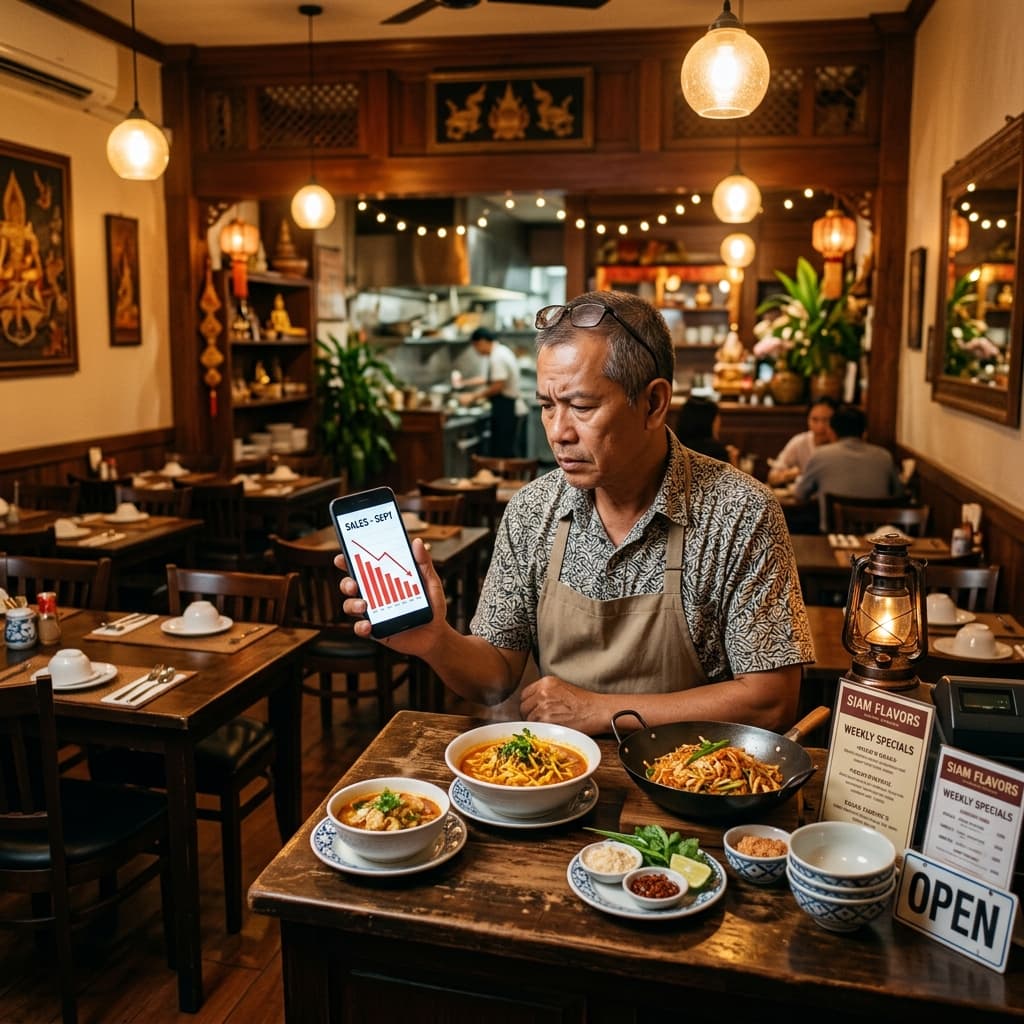

Before — Excel and Wishful Thinking
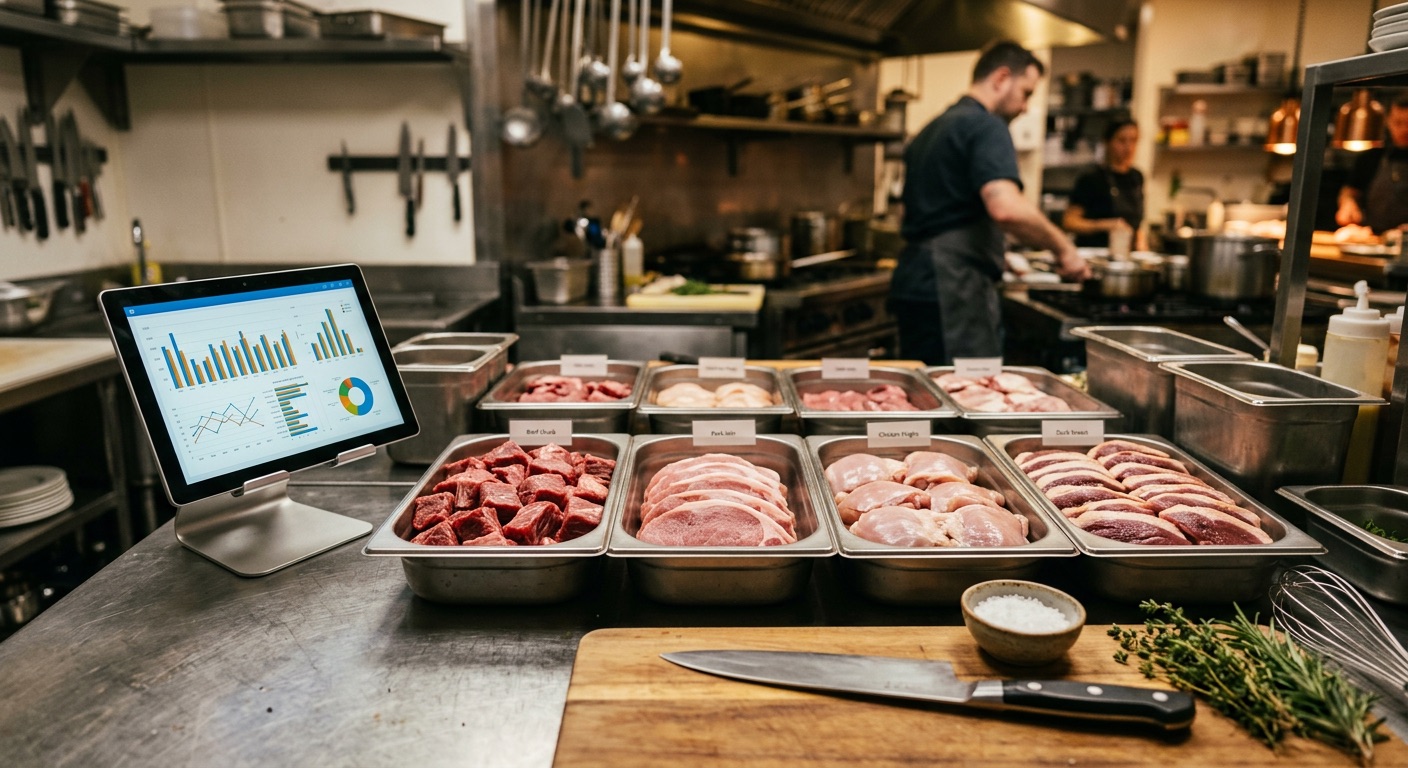
My restaurant specializes in beef. Our key ingredients are various fresh cuts — sirloin, tenderloin, flank steak, pork neck, pork belly, and dozens more.
We used to track everything in Excel. Staff would log incoming inventory in a spreadsheet... if they remembered, if they had time, if they didn't forget.
The problems were obvious:
- ❌ No real-time data — stock levels were always outdated
- ❌ No audit trail — when inventory went missing, we couldn't trace when
- ❌ No analysis — Excel is just a table, no queries, no dashboards
What I Asked AI to Build
I can't write code. I just described to the AI:
- What ingredients we receive
- How our receiving process works
- What I wanted to know from the data
AI built the system:
Layer 1: Airtable — The Staff-Facing Frontend
Airtable is like Excel, but smarter:
- Staff log data via mobile forms
- Every entry gets an automatic Bag ID (e.g.,
BEEF000123) - Linked tables auto-fill units, categories, and price per kg
- Gallery view for visual stock overview
Layer 2: SQLite — The AI-Powered Backend
Data from Airtable syncs to a SQLite database for AI analysis:
-- Incoming inventory by ingredient, last 7 days
SELECT
  ingredient_name,
  COUNT(*) as bags,
  ROUND(SUM(weight_kg), 1) as total_kg
FROM inventory_movements
WHERE type = 'receive'
  AND date >= date('now', '-7 days')
GROUP BY ingredient_name
ORDER BY total_kg DESC;
Why two layers?
Airtable is great for staff (easy UI, mobile-friendly) but slow for querying large datasets. SQLite is blazing fast for analysis but staff can't use it directly. Together, they cover both needs perfectly.
Real Numbers
After one month on the new system:
| Metric | Before (Excel) | After (Airtable+SQLite) |
|---|---|---|
| Items logged | ~50/month | 757 bags/month |
| Time per entry | 3-5 min | 30 seconds |
| Audit trail | None | Every item has a Bag ID |
| Summary reports | Manual | AI-generated automatically |
| Data loss | Frequent | Zero |
The Workflow
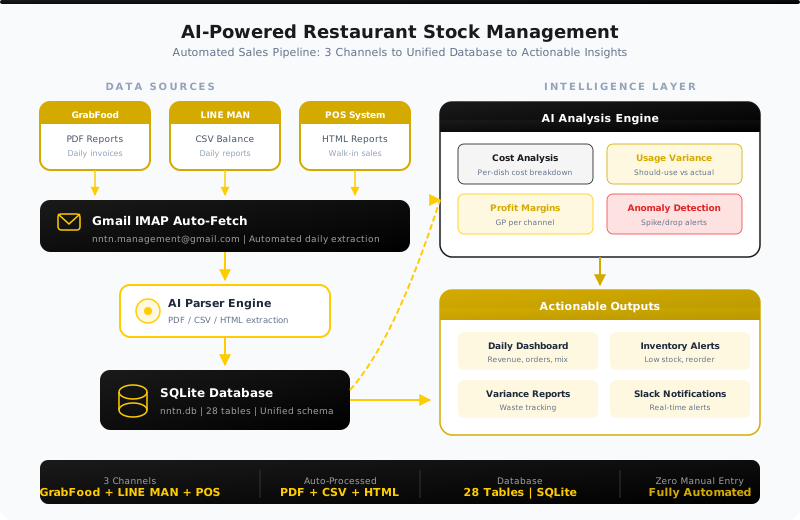
📦 Delivery arrives at restaurant
  ↓
📱 Staff fills Airtable form (mobile)
  ↓
🏷️ System auto-generates Bag ID
  ↓
💾 Syncs to SQLite database
  ↓
🤖 AI analyzes — receiving, withdrawals, branch transfers
  ↓
📊 Real-time stock dashboard
Lessons Learned
1. The System Must Be Easier Than What It Replaces
If the new system is harder than Excel → staff won't use it. Airtable forms on mobile are far easier than Excel. Result: staff actually log every item.
2. Bag IDs Change Everything
When every bag has a unique ID, things that were impossible become trivial:
- Track which bag went to which branch
- Know which bags have been sitting too long
- Full audit trail when issues arise
3. You Don't Need to Code
I explained my business to AI in plain language. AI created the database schema, wrote import scripts, and built ready-made queries — I just told it what I wanted to know.
Key Takeaway
Technology isn't the bottleneck. The bottleneck is how well you can explain your business to AI. The better the explanation → the more precise the system.
Tools Used
| Tool | Purpose | Cost |
|---|---|---|
| Airtable | Frontend — staff data entry | Free (up to 1,000 records) |
| SQLite | Backend — AI analysis | Free |
| Claude Code | System builder + analyst | $20/month |
| Google Sheets | Staging area | Free |
Want to Try This?
Key steps:
- Document your process — how you receive, store, and use inventory
- Pick a frontend — Airtable, Google Forms, or Notion
- Let AI build the database — explain in plain language
- Start small — don't build everything at once, start with receiving
The system doesn't have to be perfect on day one. Starting is better than not starting.