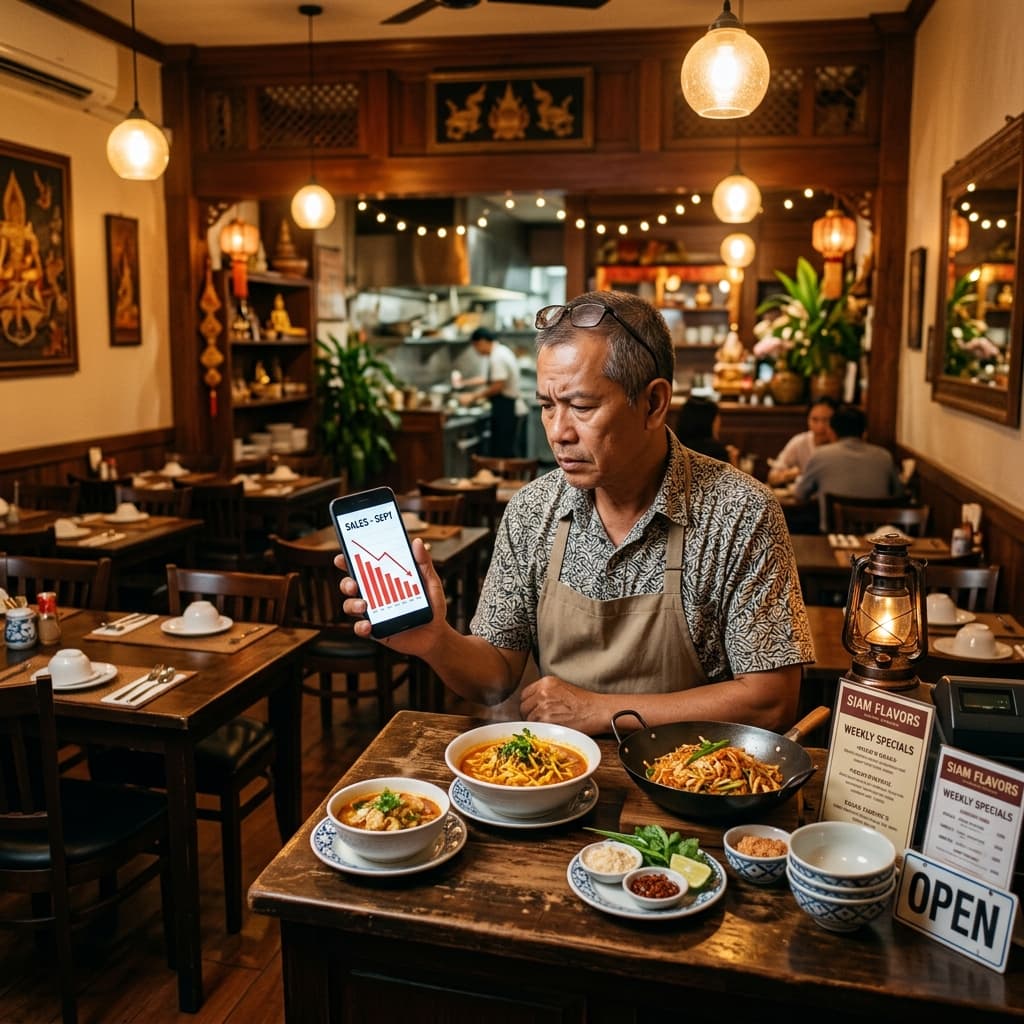


"What Should We Post This Month?"
This question comes back every single month — without fail.
Some months you post reactively. Whatever comes up, you post it. No plan, no direction, no brand-building. Just noise.
Other months you try to plan ahead. You sit for half a day and come up with 5-6 topics. Then you run out of energy to write the captions.
I've seen this with multiple clients, until I tried using AI to build an entire month's content calendar — in under one hour.
Tools I Actually Use
Primary tools:
- Claude Code (claude.ai/code) — plan pillars, generate topic lists, batch-write captions
- Google Sheets — store the full monthly calendar, shareable with the team, easy to filter and sort
Alternatives:
- ChatGPT + Notion — free option. Use ChatGPT for content planning, organize in a Notion database
- ChatGPT + Trello — use a Trello board where each column = a week, each card = a post
- Metricool — social management tool with AI content suggestions + scheduling in one place (has a free tier)
Any prompt below works with ChatGPT or Gemini if you don't use Claude Code.
Why a Content Calendar Matters
Posting without a plan vs. posting with a plan — the difference is huge:
- No plan: You post whenever you remember. Content is inconsistent. Followers can't figure out what your brand is about.
- With a plan: Each piece of content builds on the last. Followers start recognizing who you are and stick around longer.
But planning good content takes time — and that's exactly where AI steps in.
How to Build a Content Calendar with AI
Step 1: Define Content Pillars (10 minutes)
Before AI can help, it needs context. Use this prompt:
Help me define 4-5 content pillars for this business:
- Business type: [e.g., restaurant / clinic / clothing store]
- Target audience: [e.g., working moms 30-45 / college students / Gen Y professionals]
- Social media goal: [awareness / engagement / sales]
- Primary platform: [Facebook / Instagram / TikTok]

For each pillar, provide: pillar name, objective, and 2-3 example content types.
Example pillars for a restaurant:
- Educate — behind-the-scenes, ingredient knowledge, how things are made
- Engage — questions, polls, content that sparks comments
- Inspire — restaurant ambiance, customer reviews, feel-good moments
- Sell — promotions, new menu items, clear calls to action
Step 2: Generate a 30-Day Topic List (15 minutes)
Continue in the same conversation with this prompt:
Using these 4 pillars, plan 30 post topics for next month:
- Mix: Educate 30%, Engage 30%, Inspire 20%, Sell 20%
- Vary formats: Reel, Carousel, Single image, Story
- Avoid repeating the same topic type within a single week

Format as a table:
| Date | Pillar | Topic | Platform | Format | Hook (1 sentence) |
You get a 30-row table with diverse, non-repetitive topics — ready to go.
Getting it into Google Sheets: Copy the table from AI and paste into Google Sheets (Paste Special > Values) for an editable, shareable calendar. If you're in Claude Code, type /xlsx to export directly as an Excel file.
Step 3: Batch-Write Captions (20 minutes)
Pick topics from the table and batch them — 5 posts at a time:
Write Instagram captions for these 5 posts:
1. [topic 1]
2. [topic 2]
3. [topic 3]
4. [topic 4]
5. [topic 5]

For each post:
- Hook: 1-2 opening lines that make people want to read more
- Body: no more than 100 words
- CTA at the end (tell people what to do next)
- 5-8 hashtags (mix of niche and broad)
- Tone: [specify — e.g., casual / professional / playful]
You get caption drafts ready to use — tweak 1-2 lines to match your brand voice and you're good to post.
Step 4: Set a Posting Schedule (5 minutes)
Suggest a weekly posting schedule for:
- Platform: [Facebook + Instagram / TikTok / all]
- Frequency: [5 times/week]
- Target audience: [working professionals aged 25-35 in the city]

Recommend: day and time for each post, with reasoning for why that slot works.
AI recommends high-engagement windows based on platform and audience data — adjust based on what you know from your own page insights.
What AI Does Well vs. What You Should Do Yourself
| AI handles this | You handle this |
|---|---|
| Generating diverse topics | Deciding which topics truly fit your brand |
| Drafting captions | Fine-tuning tone to match your brand voice |
| Suggesting hashtags | Checking which hashtags are actually trending |
| Planning a posting schedule | Observing when your audience is really online |
Real Results: The First Month
One client who used to post with zero planning — after building a content calendar this way, here's what happened in 30 days:
- Posted every day — before, they averaged 2-3 posts per week
- Engagement went up — followers started commenting more on Engage-type posts
- Team workflow improved — everyone knew what was coming each week, no more daily scrambling
Start Planning Next Month Right Now
You don't have to wait for the first of the month — start today.
Build next month's content calendar right now. It takes under an hour but saves you time every single day of the following month.
The simple formula:
- Define 4 pillars (10 minutes)
- Plan 30 topics in a table (15 minutes)
- Batch-write 5-10 captions (20 minutes)
- Set a posting schedule in Google Sheets (15 minutes)
After that, just follow the plan — instead of sitting there every morning wondering "what should I post today?"