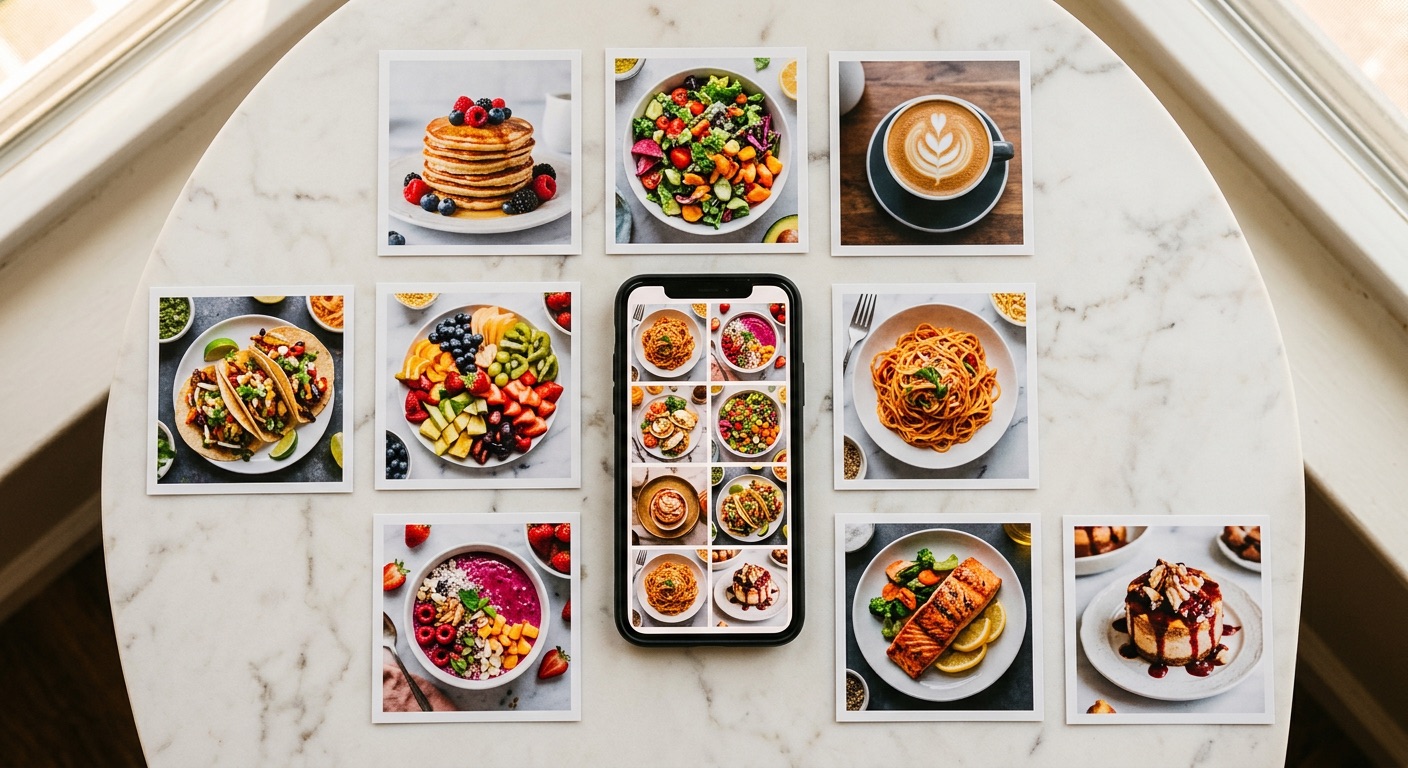
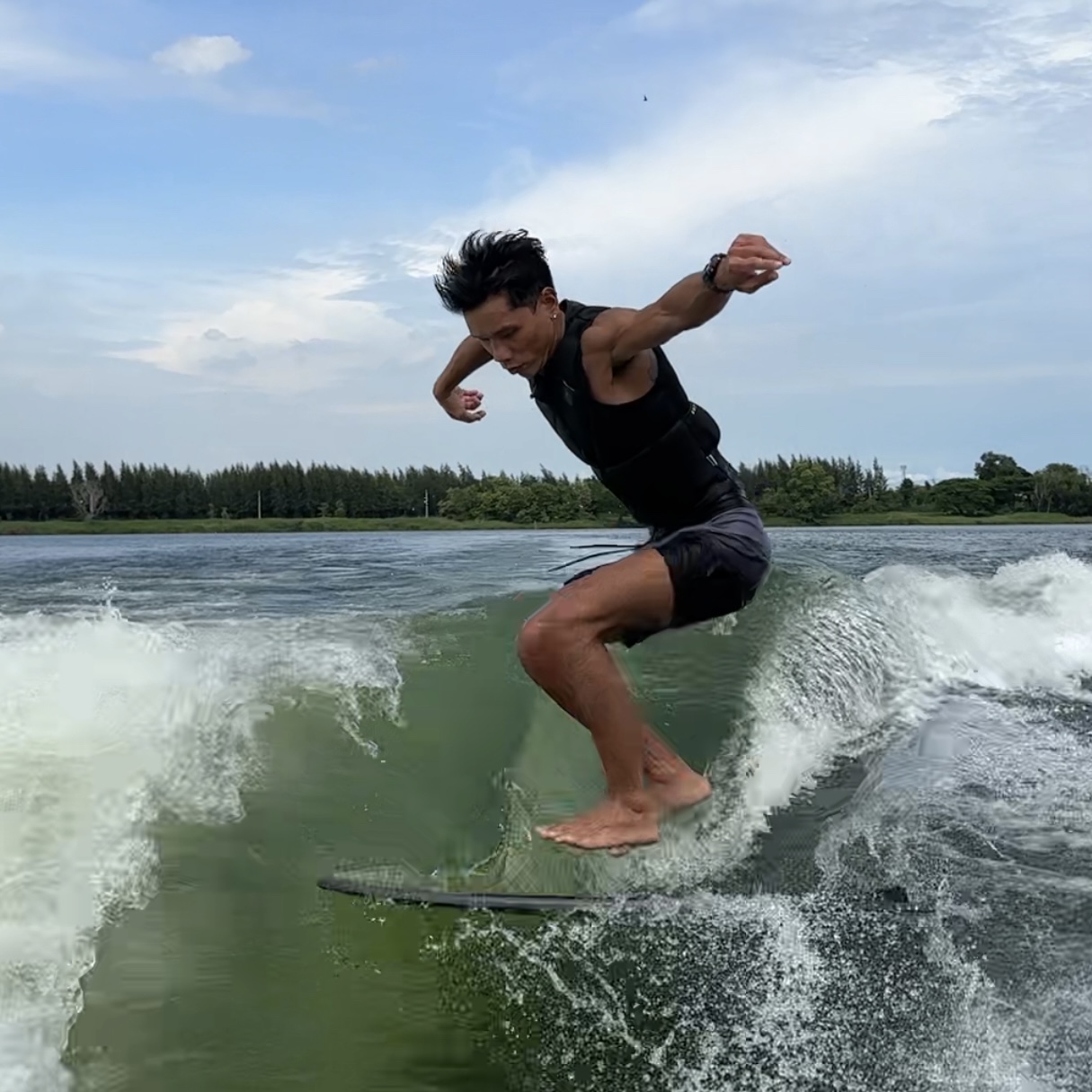
This Post Was Made Entirely by AI
The caption you're reading → AI wrote it. The images you see → AI generated them. The posting to social → AI did it.
No Canva. No graphic designer.
Just 3 tools connected in a pipeline:
✍️ Claude Code  →  🎨 Gemini (Nano Banana)  →  📤 Blotato
  write caption      generate images            post to FB+IG
Step 1: Claude Code Writes the Caption
Tell the AI what you want to post about:
"Write a carousel caption, 5 slides about AI inventory management
 for restaurants — storytelling tone, real case study, real data
 — CTA: Swipe to see how"
AI produces:
- Hook (slide 1) that grabs attention
- Content (slides 2-4) with data + insights
- CTA (slide 5) that drives action
- Relevant hashtags
I read it, tweak 2-3 things → approve.
Step 2: Gemini Generates the Images
This is the most magical part.
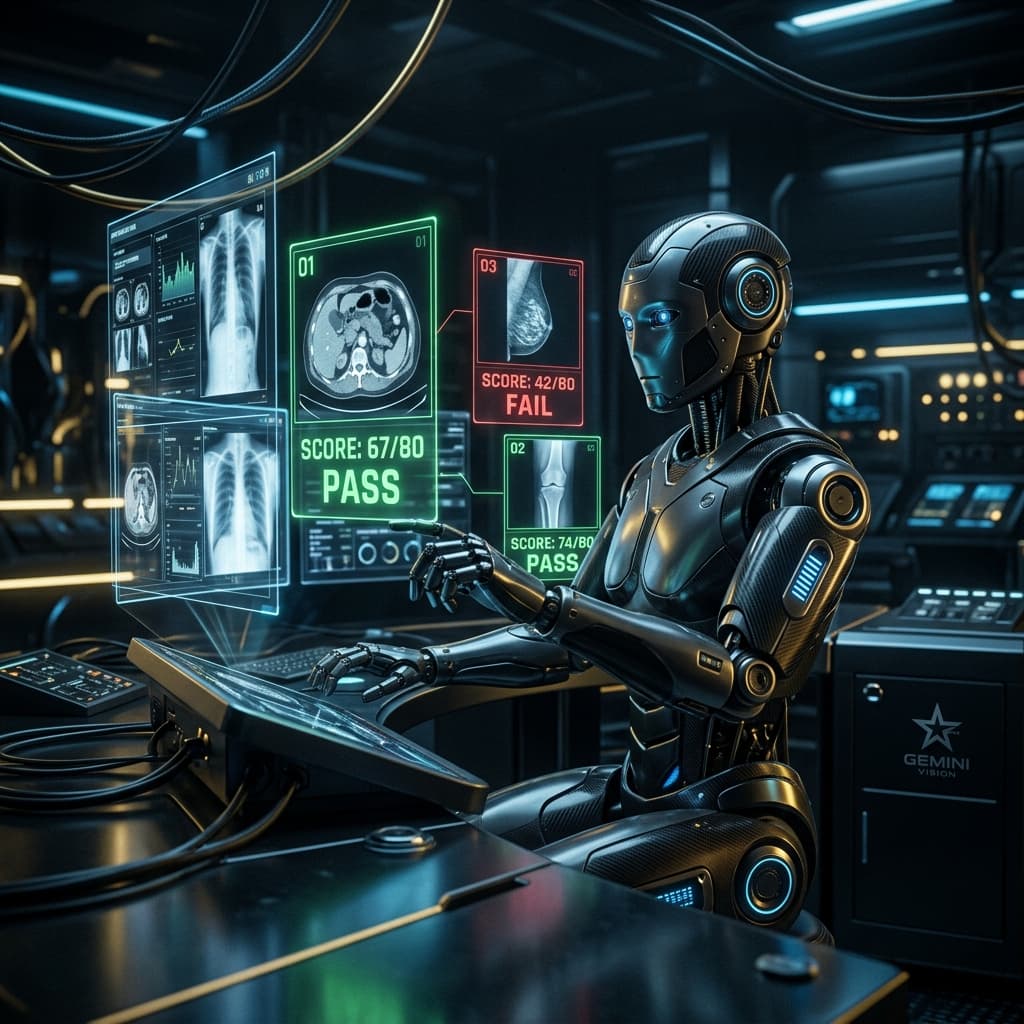
Gemini (Nano Banana 2) creates photorealistic images — not the typical AI art that looks obviously fake.
Why Gemini works for carousels:
1. It renders Thai text on images clearly This is a game changer. Most AI image generators produce blurry or incorrect Thai text. Gemini gets it right → no need to open Canva to add text afterward.
2. Photorealistic output Images look like real photos, not "AI art" that people scroll past.
3. Controllable style
"Cinematic cafe scene, person holding iPhone with green terminal code,
 Thai text 'สั่งงาน AI จากมือถือ' centered,
 warm tones, slight film grain"
Cost
Gemini API charges per image generation. About $0.10-0.15 per image — far cheaper than hiring a designer.
Step 3: Blotato Posts Automatically
Blotato is a tool that publishes content to multiple platforms simultaneously:
- ✅ Facebook Page
- ✅ TikTok (video)
- ✅ YouTube (shorts)
Upload carousel images + caption → hit post → live on all platforms.
Benefits
- Scheduling — set posts in advance
- Analytics — combined results from all platforms
- AI voice — free, no credit cost
Actual Timeline
| Step | Time |
|---|---|
| Brief AI + write caption | 10 min |
| Review + edit caption | 5 min |
| AI generates 5 slide images | 10 min |
| Review + regenerate if needed | 5 min |
| Upload + post via Blotato | 5 min |
| Total | ~30 minutes |
Previously it took 2-3 hours per carousel (finding stock photos, opening Canva, arranging layout, adding text...).
Cost Comparison
| Method | Cost per carousel | Time |
|---|---|---|
| Hire a designer | $15-45 | 1-3 days |
| DIY (Canva) | $0 (but time cost) | 2-3 hrs |
| AI Pipeline | ~$0.60 (API cost) | 30 min |
What I Learned
AI Doesn't Replace Creativity
AI handles repetitive execution fast, but the ideas still come from humans. I still decide what to post, what tone to use, who to target.
Quality Still Needs Review
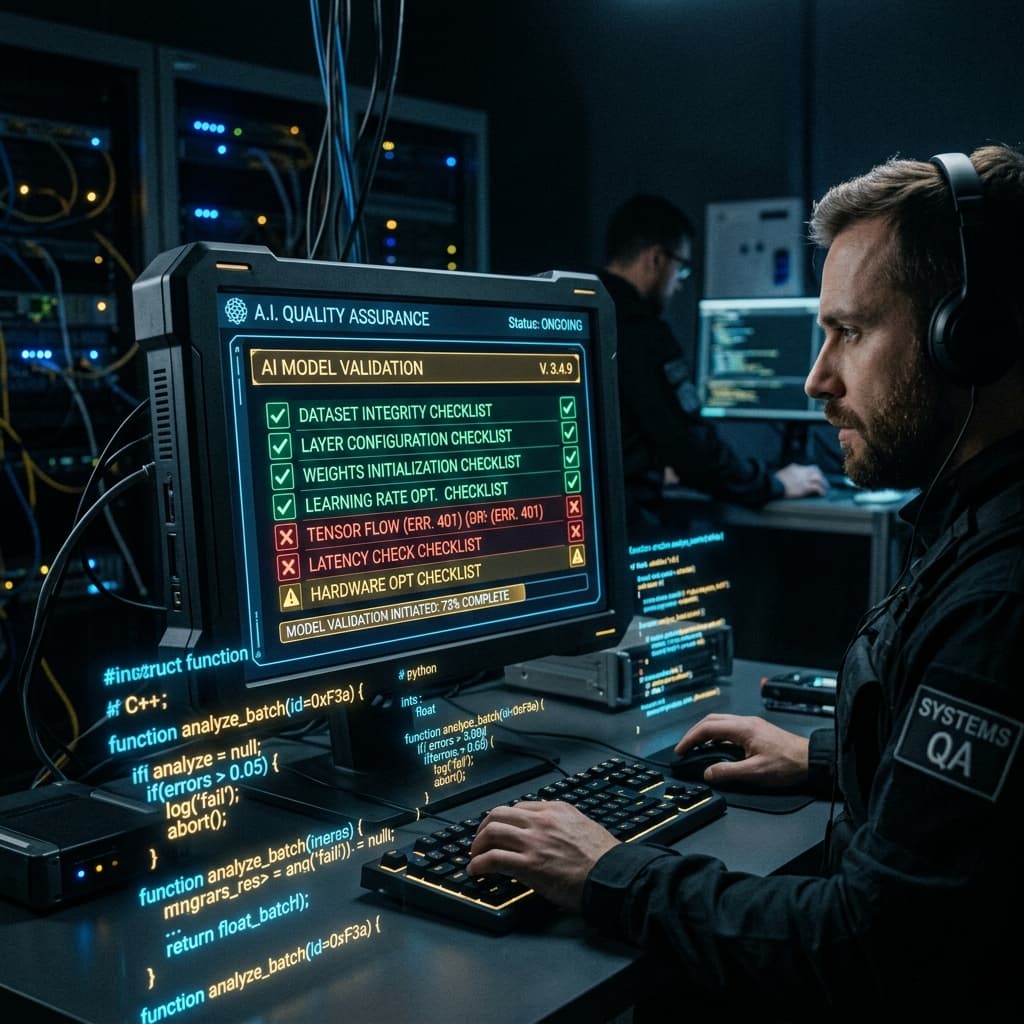
AI generates quickly but isn't perfect every time. Some images need re-generation, some caption lines need editing — but even with review time, it's still many times faster than doing it manually.
Pipeline Matters More Than Tools
Tools can change (today Gemini, tomorrow something else). What matters is the workflow: brief → write → design → publish.
Bottom Line
If you're already creating social content, try replacing some steps with AI. You don't have to change everything at once. Start with AI drafting captions → you review → then add AI image generation later.